From Text to Visuals: Using Generative AI to Create Graphics for Scientific Articles
2025
Python · OpenAI API · DepthFlow · Baseten · ComfyUI
Turning scientific articles into illustrated graphics and subtle animated loops through an automated AI pipeline.
- My role
- Sole developer — AI pipeline development, visual prompt design, cloud deployment and interactive web application
- Context
- Self-initiated experiment
- Status
- Completed experiment
- Code
- SciViz on GitHub

A well-chosen visual can make scientific ideas more approachable and give readers a way into a complex subject. This project started with a simple question: could generative AI create visuals that actually do justice to scientific content, at scale, automatically?
The spark came from a visit to the team at Proem.ai, whose mission is to make scientific research more widely accessible. During the visit I was asked how I'd approach creating visuals for scientific papers — and I couldn't stop thinking about it on the way home. I envisioned something like an Instagram for scientific articles: a personalised, aesthetically driven feed where every paper has a visual identity that fits its subject.
Try it yourself: turn an article into an illustration and animation in the interactive demo below.
The idea
The challenge wasn't just technical — it was aesthetic. AI-generated imagery has a reputation for being either photorealistic in an uncanny way, or generic and forgettable. Neither works for scientific communication, where the visual needs to elevate the text without overshadowing it.
I defined four principles early on: the visuals had to be aesthetically compelling, they had to serve the science rather than distract from it, the entire pipeline had to be automated (with thousands of papers published daily, manual creation is impractical), and it had to be fast enough to feel responsive.
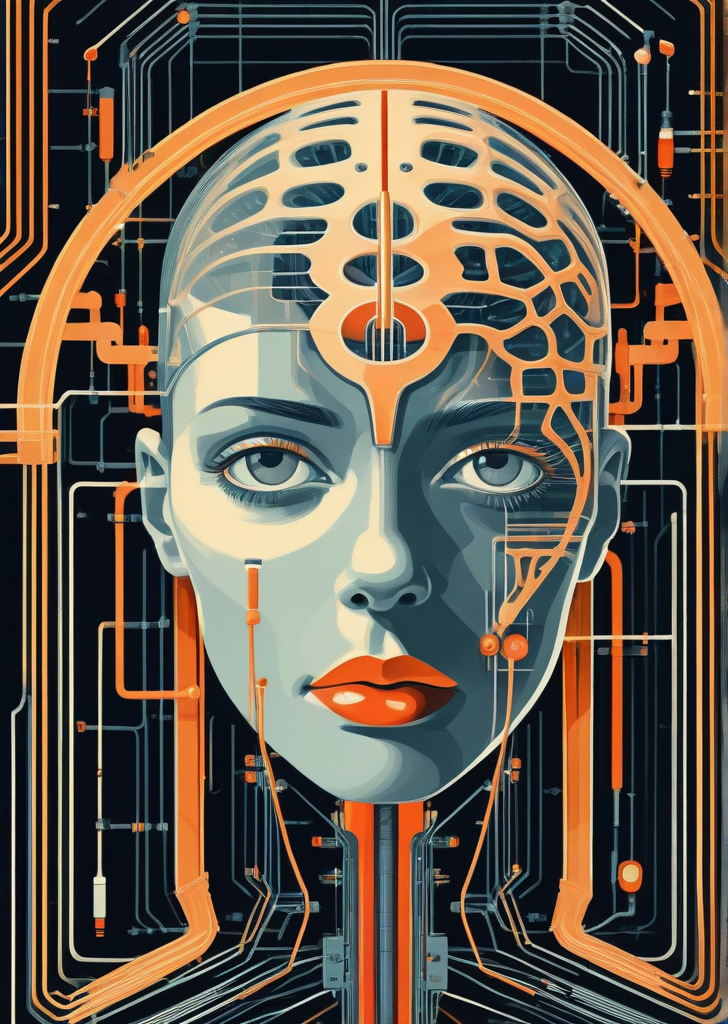
For the visual style I drew from Vector Art, Art Deco, Flat Design, Minimalism, and Bauhaus — design languages that prioritise clarity and striking composition. This wasn't just an aesthetic preference. Constraining the style through the diffusion prompt consistently produced more coherent, purposeful images than leaving it open-ended. Style as a parameter turned out to be as important as the subject matter prompt itself.
Rather than full video, I landed on looping 2.5D animations using DepthFlow. The technique works by generating a depth map from the still image — estimating the distance of each pixel from the camera — and then using that depth information to simulate parallax motion, as if a camera is slowly moving through a three-dimensional scene. The result is subtle but effective: engaging without being distracting, and computationally far cheaper than generating actual video.
An article, reimagined
Try the pipeline yourself: turn a scientific article into an illustration and a looping 2.5D animation, using the visual style explored in this project.
An artistic interpretation, not a scientifically validated figure. This free demo shares computing capacity on Hugging Face, so expect some waiting time, especially during busy periods.
SCIENCE → IMAGE → MOTION
Try your own visual
Choose an article or paste an abstract to begin. Your source is sent to the public SciViz Space; please do not submit confidential material.
Try with a free Hugging Face account
This demo uses anonymous GPU access. Sign in on Hugging Face for a larger daily quota. Availability still depends on your remaining quota and shared capacity. No paid upgrade is needed.
Open SciViz on Hugging FaceGenerated files are temporary. Download anything you want to keep.
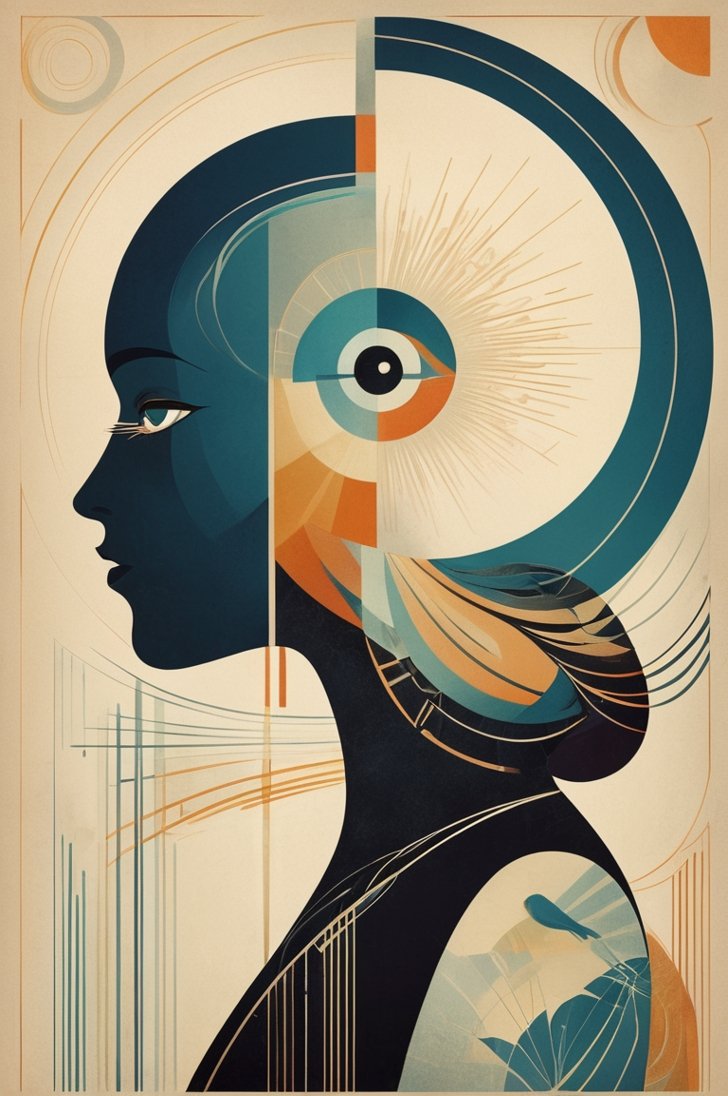
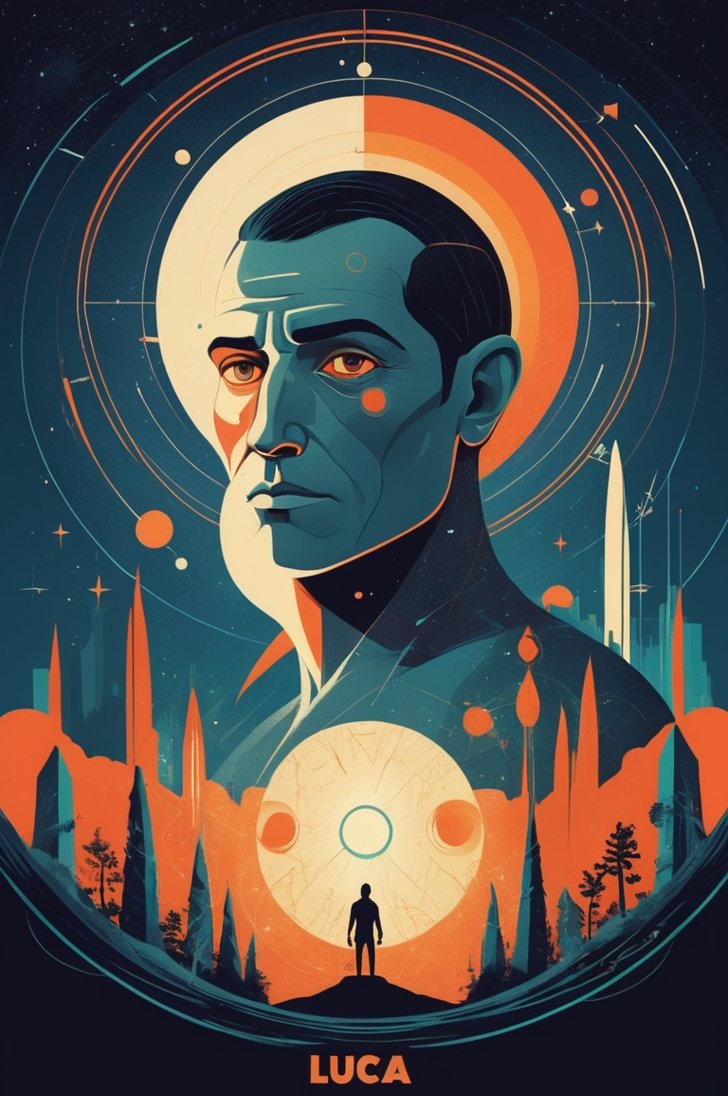
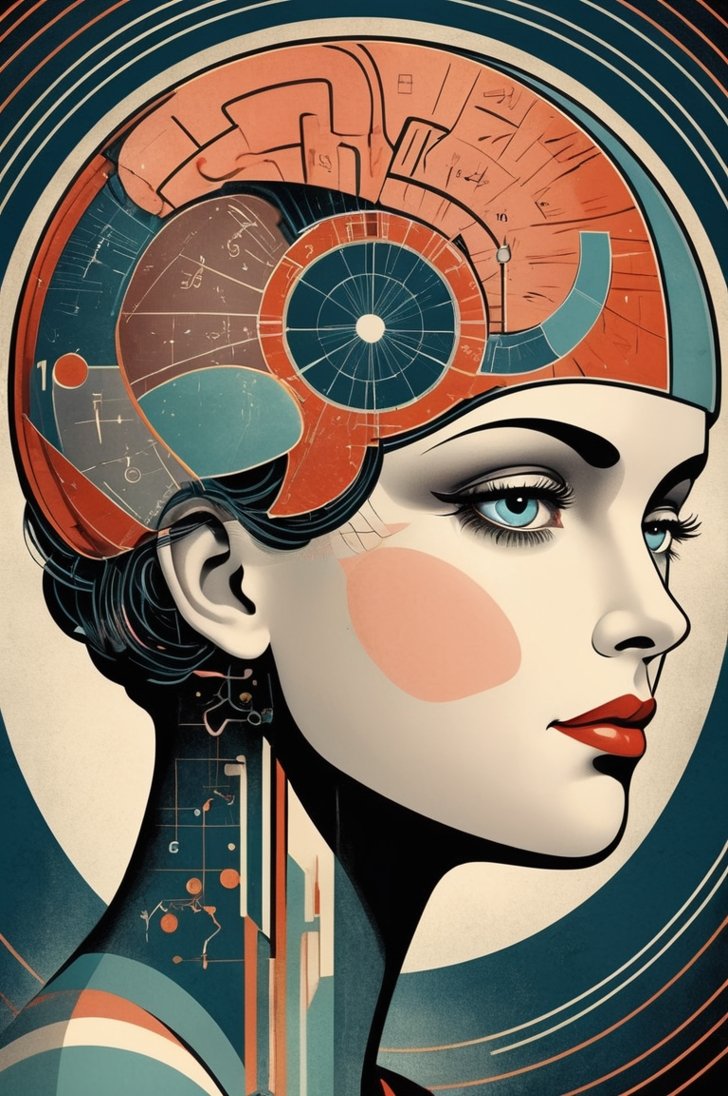
User feed
Below are images generated from articles, showcasing examples of what a user might see in their feed



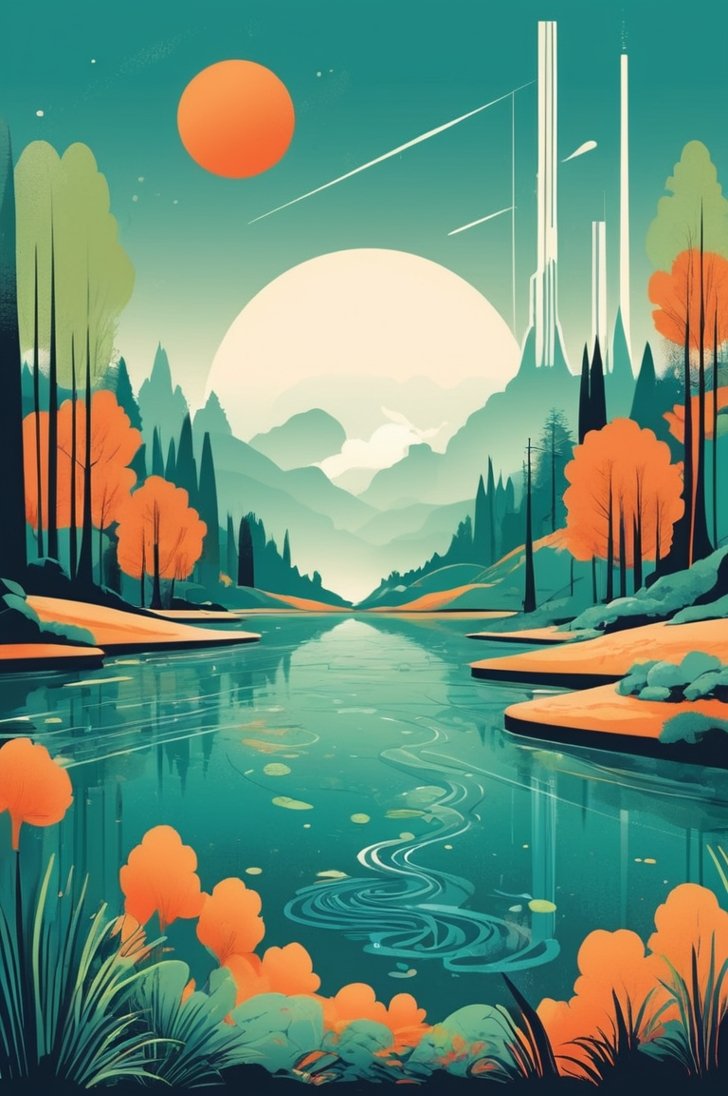
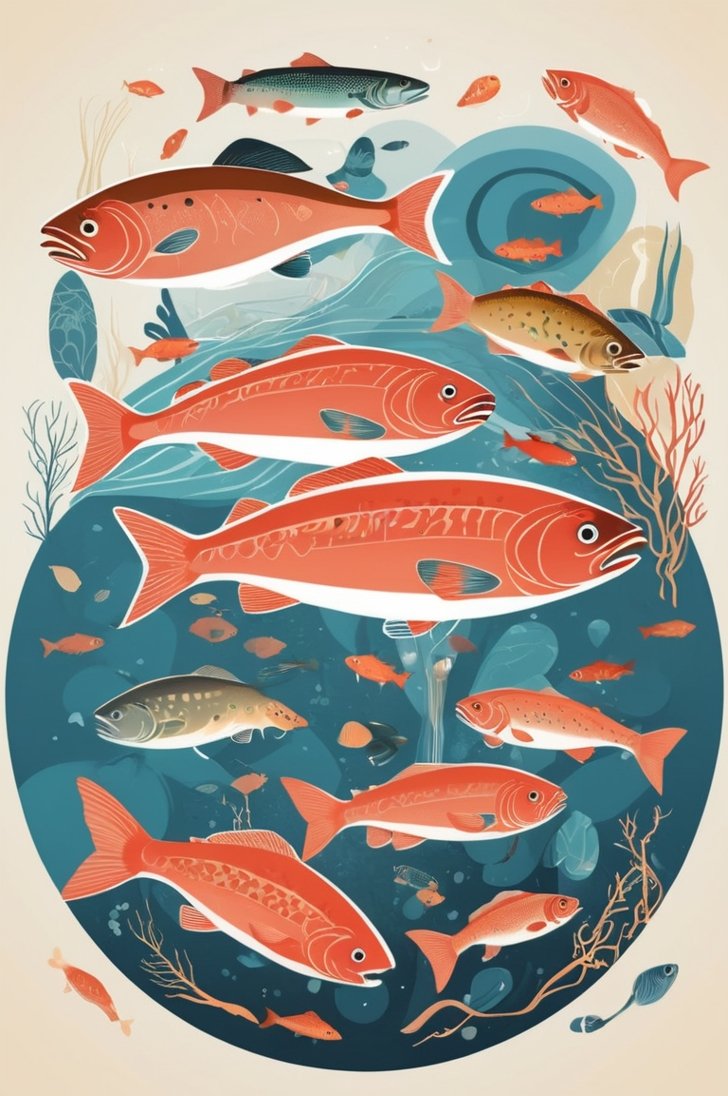
Prototyping the pipeline
For this self-initiated prototype, I used ComfyUI to iterate quickly on the visual pipeline and test the idea. The workflow connects four stages. A link to a scientific article goes in — GripTape handles the web scraping and passes the content to the OpenAI API, which extracts the core subject and writes an image prompt constrained to the defined visual style — a diffusion model generates the image — and DepthFlow transforms the still into a looping 2.5D video with parallax motion.
One thing worth noting about the prompt engineering: getting the LLM to produce prompts that reliably hit the aesthetic target required experimentation. Defining what the image should not be — through negative prompts — played a role, but the bigger factor turned out to be model selection. AlbedoBase_XL consistently produced images that matched the intended visual language far better than more general-purpose models. It has a natural affinity for the kind of stylised, illustrative aesthetic I was after, which meant the prompt work could focus on what to depict rather than fighting the model's tendencies.
The whole thing ran locally on my M2 MacBook, with API calls offloading the heavier compute.
Deploying as a web app
To test the concept beyond my local setup, I packaged the pipeline as a cloud service with an API.
I packaged the ComfyUI workflow and its dependencies with Truss and deployed it on Baseten behind an API. The container included the custom nodes and model weights needed to reproduce the workflow.
This also meant moving the orchestration logic — the web scraping, the OpenAI calls, the DepthFlow post-processing — out of ComfyUI and into Python, so it could all run as part of the same cloud service rather than relying on my local machine. I also switched image generation from Leonardo.AI to a self-hosted diffusion model running on Baseten, which gave me more control over the output style and removed a dependency on an external API.
The original version ran as a publicly accessible Streamlit app. I later adapted the pipeline for the interactive demo on this page, using Hugging Face ZeroGPU for image generation and depth estimation, and an open-source language model in place of the original OpenAI API. Try the interactive demo ↑
What the AI couldn’t do
What this project confirmed is that the interesting challenge in generative AI isn't the generation itself — it's the design thinking around what to generate and why, and the engineering work required to make it run reliably outside your own laptop. Both of those are still very much human jobs.